
SYSTEM WE BUILTLIVE
Real Estate Office Panel
Portfolio, client and appointment tracking for real estate offices with 1–10 agents — the same panel on phone and computer.
Who it's for
Small and medium real estate offices; teams whose portfolio is in Excel, clients in WhatsApp and appointments in a notebook.
The problem
01
The owner's number is in WhatsApp, the last meeting note in a notebook, the portfolio list in Excel.
02
Viewing times get lost in between.
03
At month end, records are opened one by one to answer "how many did we sell, how many did we rent?".
What it does
One-step Excel import
Existing portfolio and client list in a single file; faulty rows show up in the preview.
Portfolio with photos
Cover photo, owner, interested contacts, dated notes and the sale/rental record in the same entry.
Calendar and reminders
Calls, meetings, viewings; reminders while the panel is open.
Today screen
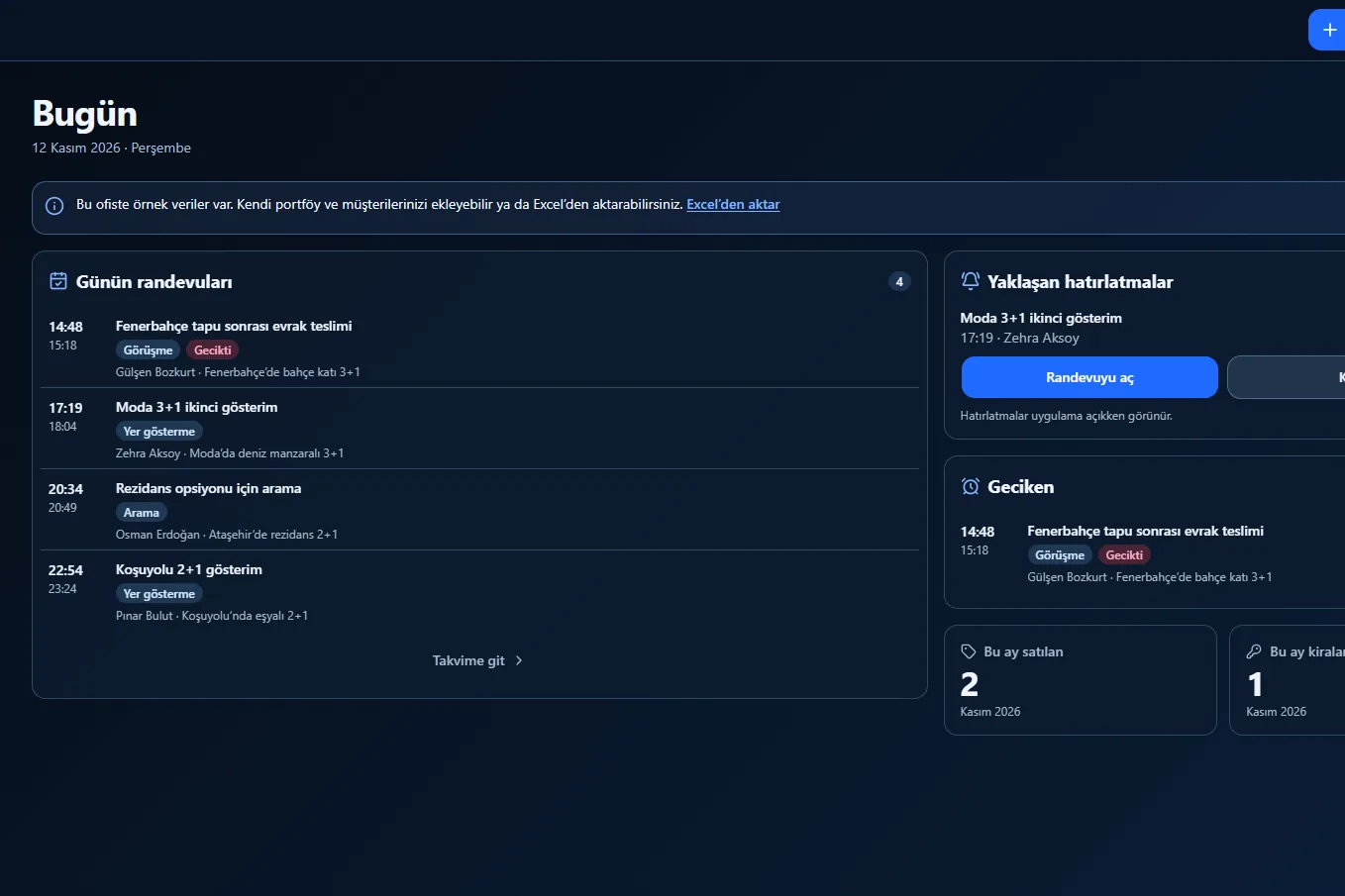
Today's appointments, overdue items, sold/rented this month.
One number, one contact card
The same person can be both owner and client; call or open WhatsApp from the card.
Office records kept apart
Other offices cannot see them.
Screens
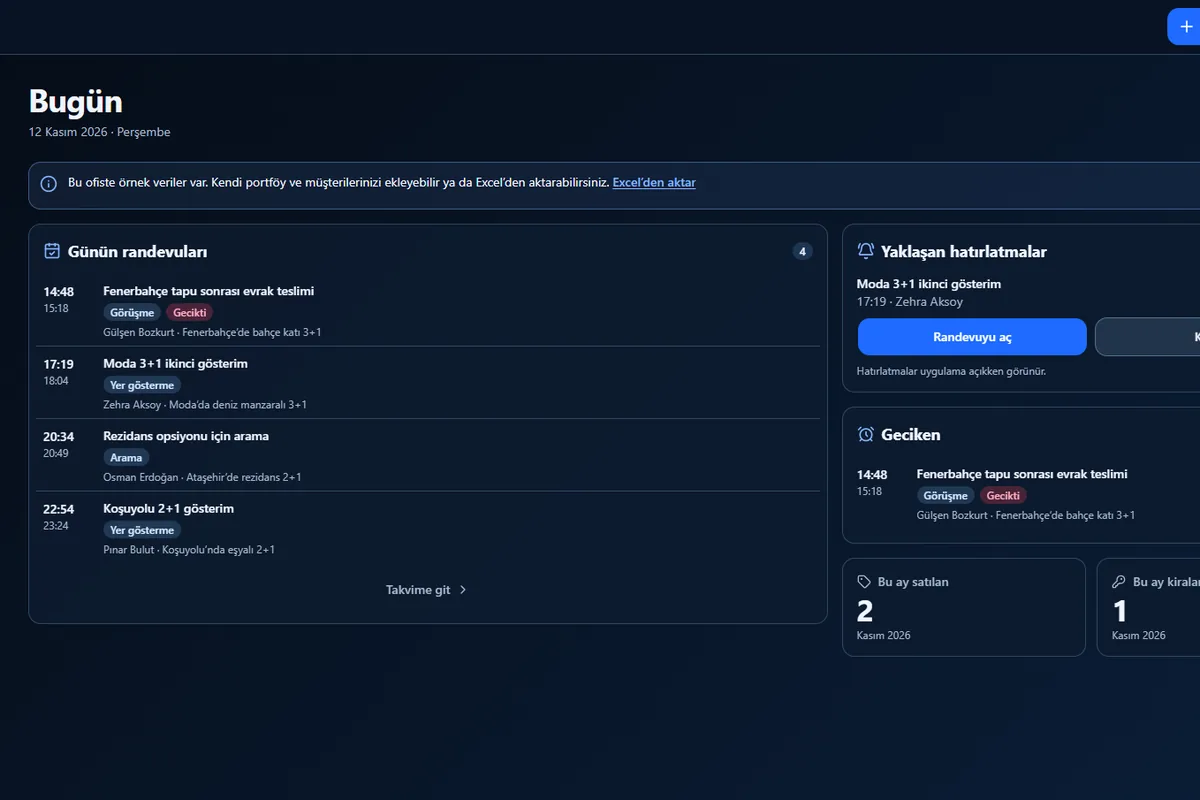
Today screen: the day's appointments, reminders, monthly sales and rentals
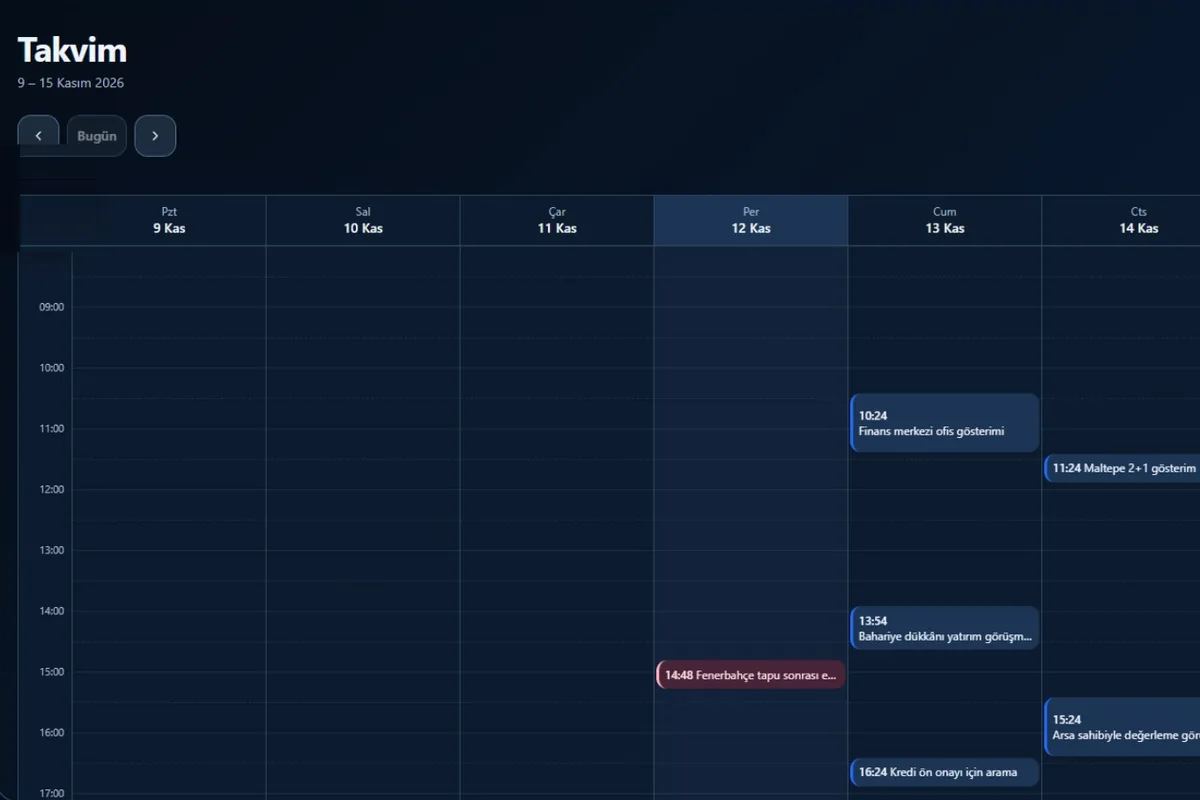
Weekly calendar
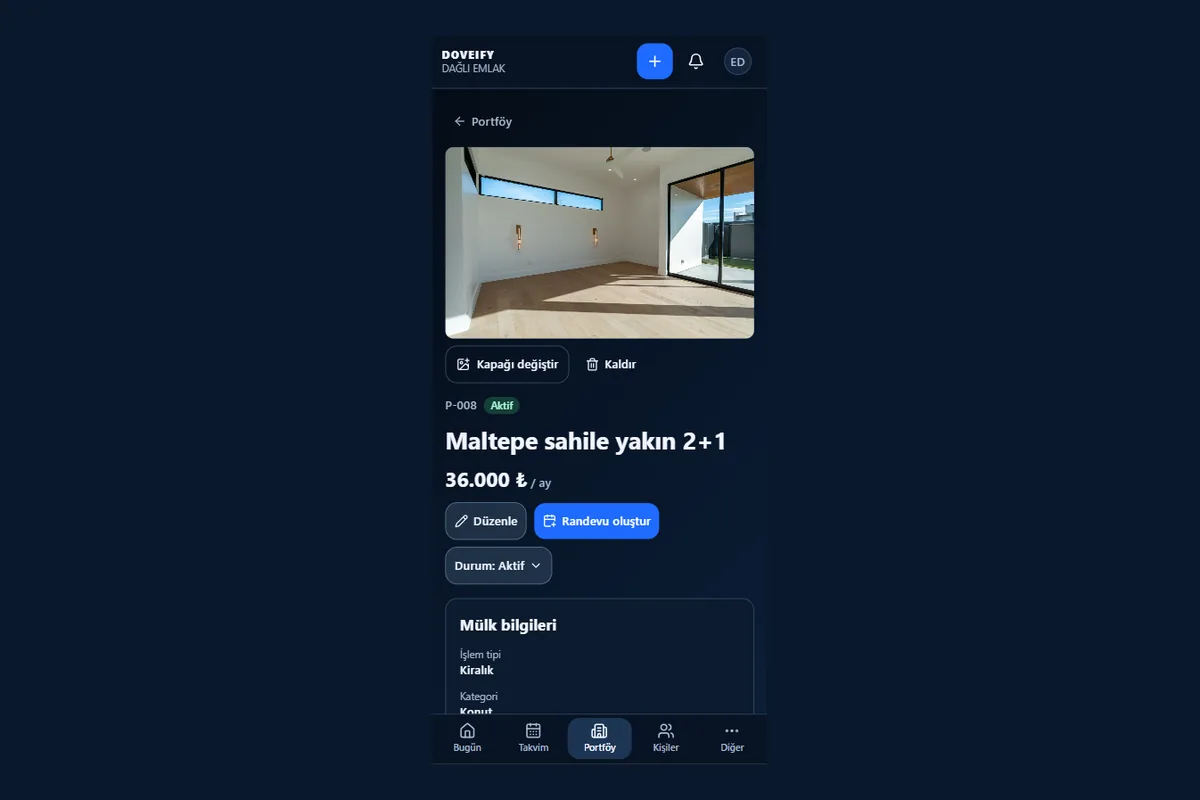
Mobile portfolio detail
Technology
- React
- TypeScript
- Supabase
- Excel import
- PWA
Don't rent. Own.
The system is installed for your business under your own logo and your own address. The code, the data and the infrastructure are yours.
Frequently asked questions
- What does real estate office software do?
- It brings the portfolio, clients and appointments into one place. In the Real Estate Office Panel the owner, interested contacts, dated meeting notes and viewing appointments sit in the same record; the Today screen shows the day's work and the month's sales and rentals.
- Can I import my portfolio from Excel?
- Yes. The existing portfolio and client list are imported with a single Excel file; the preview shows faulty rows and why, and the import is all or nothing. The demo uses a fixed template; in your own setup the template is adapted to your file.
- Can it be used on a phone?
- Yes. The panel opens in the browser, nothing to install; the same panel on phone and computer.
- Can other offices see my records?
- No. Each office's data is kept separate, and this is tested at every layer of the system.
- Is there a demo?
- Yes: emlak.doveify.io/giris. The demo opens with sample data, so you can try the panel right away.
Related reading
Let's build yours.
Let's design a system made for your business, together.